SUKI ERP. Future-ready global enterprise.
Integration of AI-driven analytics, RPA, and IoT for real-time decision-making in manufacturing, retail & logistics to address labor shortages and complex supply chains.
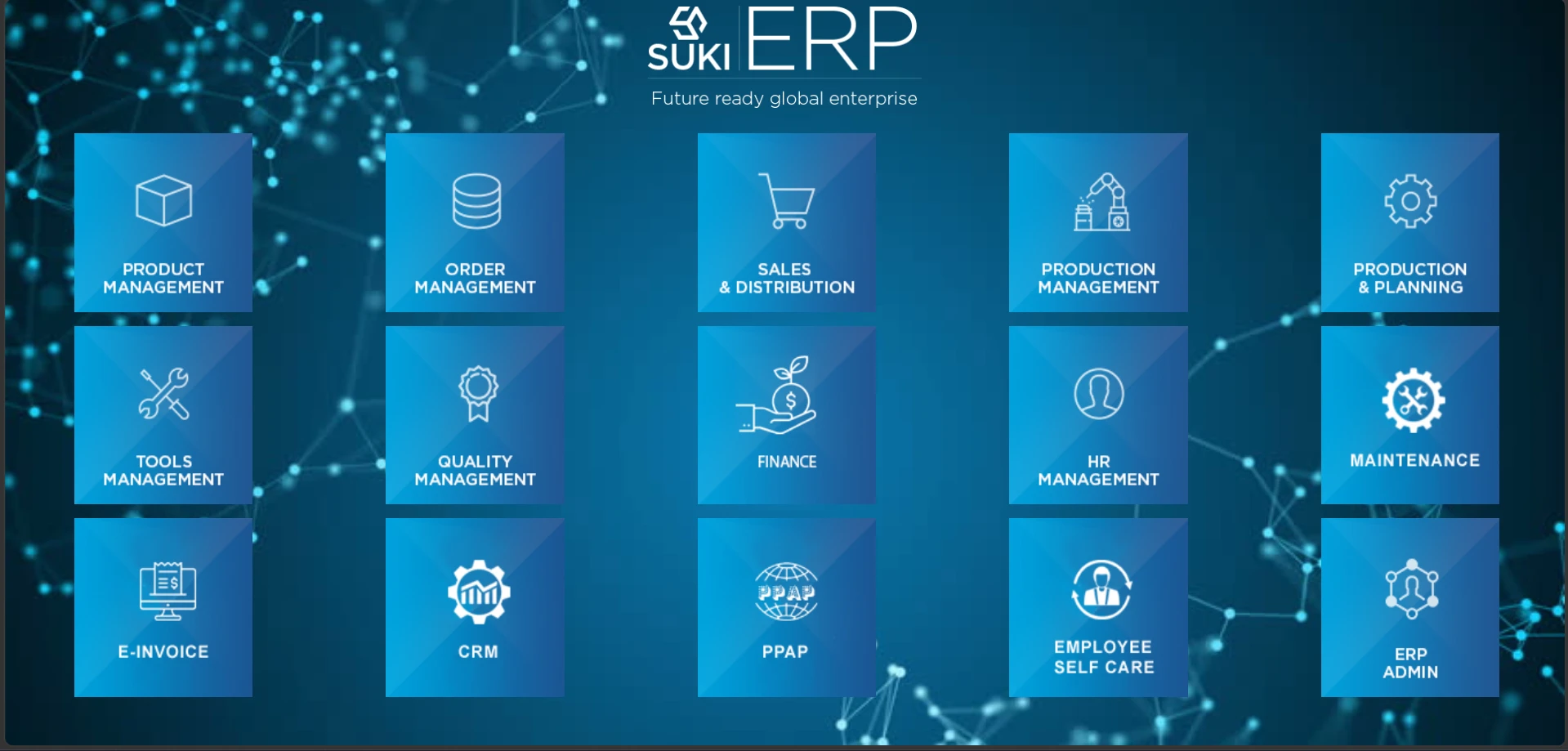
Fifteen core modules. 60+ modules, one platform.
Finance, manufacturing, supply chain, quality and HRMS connected on one platform, on cloud or on-premises.
Product Management
Order Management
Sales & Distribution
Production Management
Production & Planning
Quality Management
Finance


E-Invoice

PPAP
Employee Self Care
ERP Admin
Know every kilo, every batch, every location.
Physical stock is live, from raw material in stores to parts at a sub-contractor, and you can filter it the way your shop floor talks about it.
- Live physical stock by batch, location, thickness, form (plate, coil, sheet), RM type and grade, in kg, numbers and value
- Raw material, work-in-progress, finished goods and sub-contractor (job work) stock in one view
- Minimum, maximum and reorder levels with automatic low-stock alerts
- Batch and heat traceability from goods receipt through production to dispatch
- Stock reserved against customer orders, with FIFO issue to the shop floor
- Stock ageing, slow and non-moving reports, and live stock valuation
- Barcode and QR labels for receipts, issues and physical stock verification on handheld devices
- Rejection, scrap and rework quantities tracked against each batch

Production that follows the customer schedule
A live daily MRP is built from the customer schedule and drives every job card on the floor.
- Live daily MRP (material requirement plan) based on customer schedule
- Route card process: route sheet, MRP, routing card
- Production entry by web portal, handheld devices and mobile apps with 4M compliance
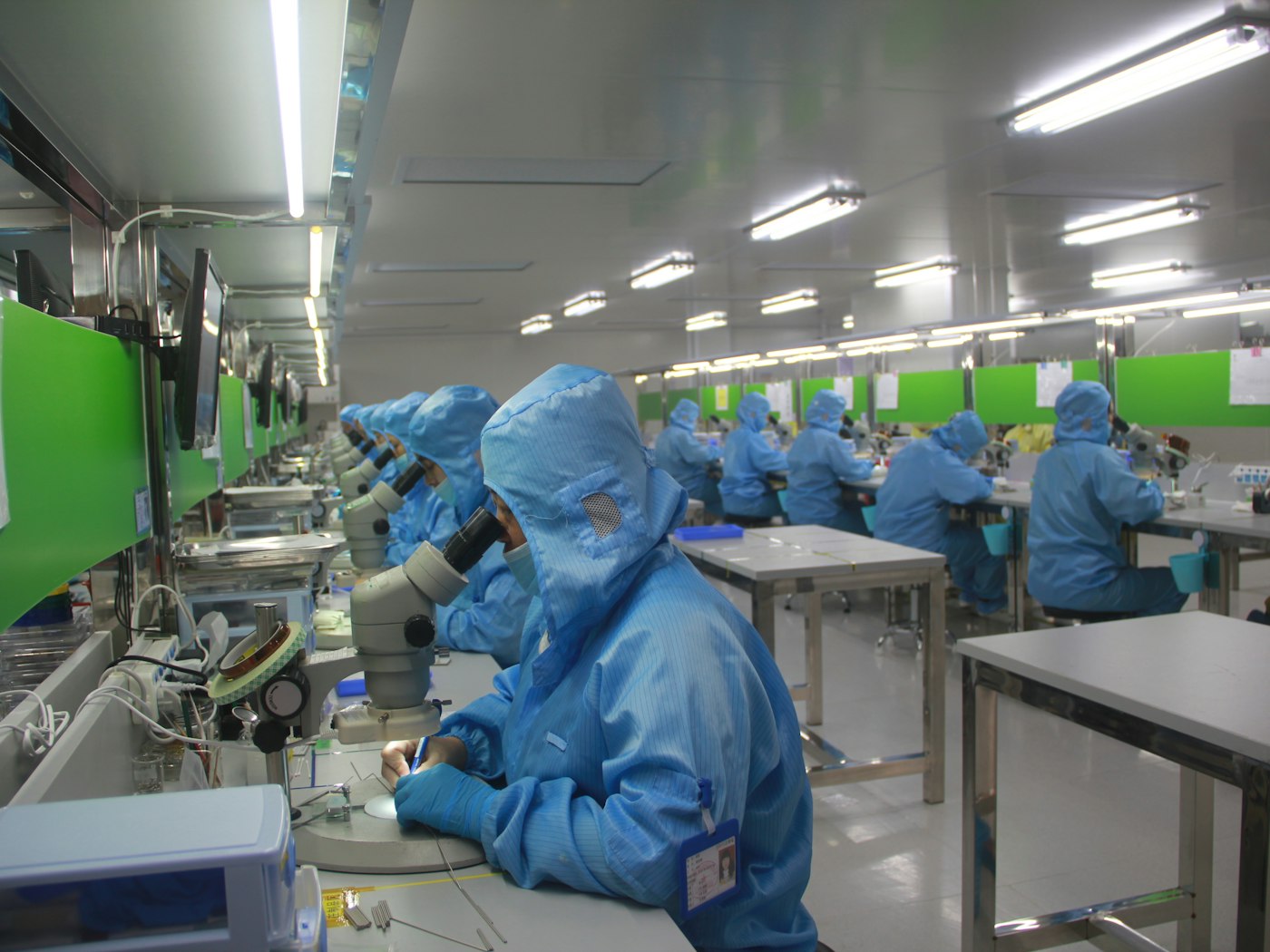
Quality built into every stage
PPAP, QMS and drawing control keep you audit-ready and compliant with IATF standards.
- PPAP: control plan, SOP, PFD and FMEA
- Process flow change notes
- Drawing masters with revision control and drawing issue registers
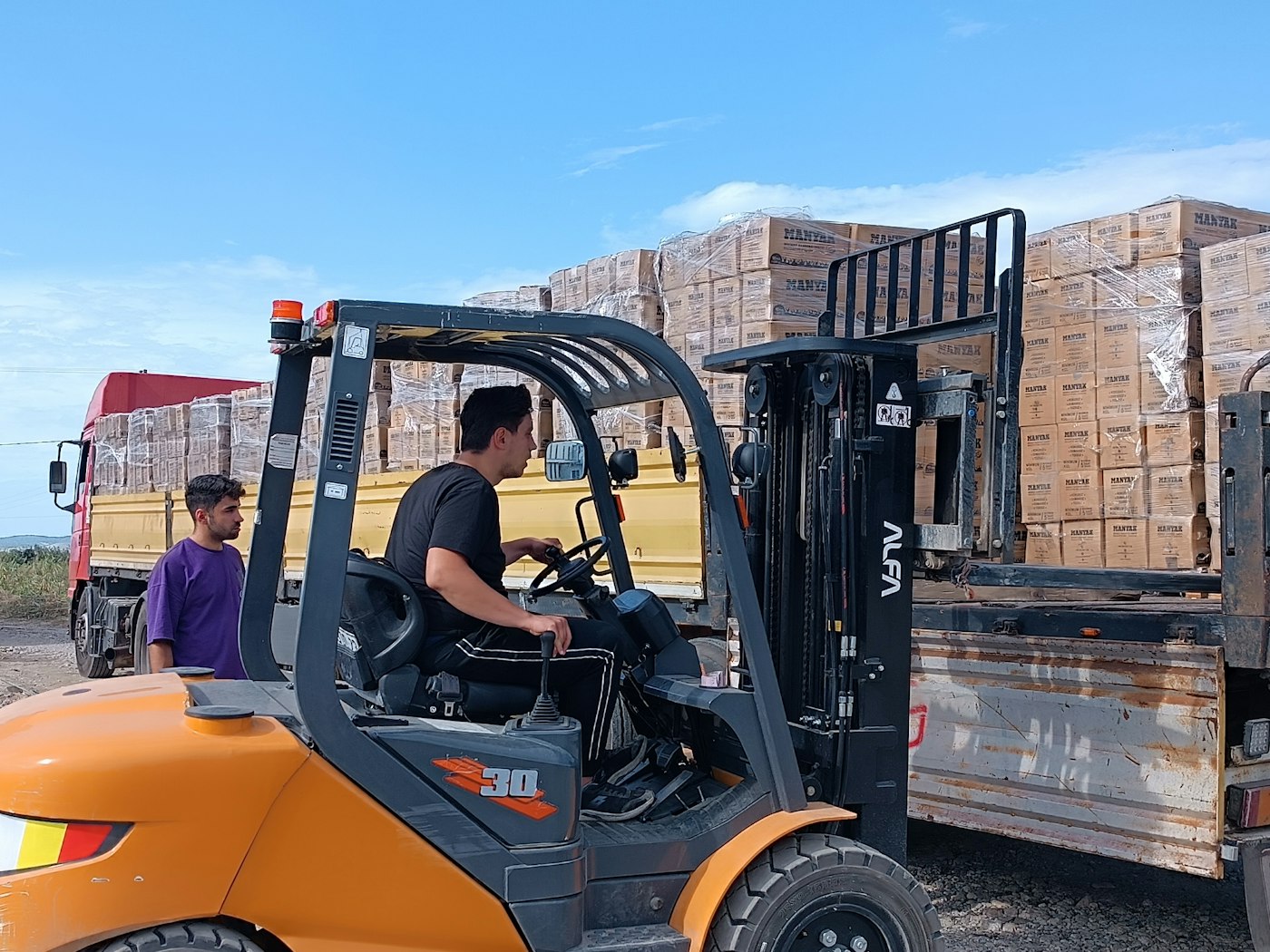
From inquiry to on-time delivery
One thread from the first customer inquiry to the invoice, with suppliers connected through their own portal.
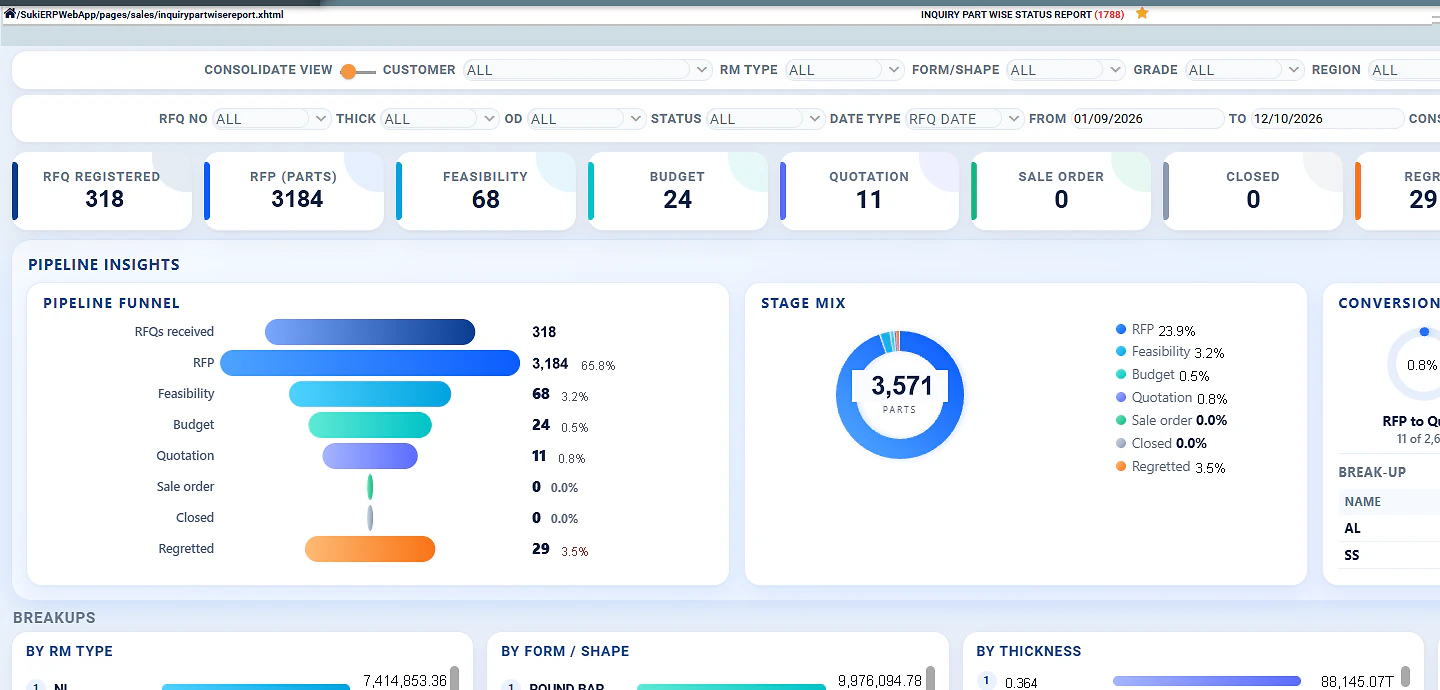
- CRM: inquiry, feasibility study, estimation and quotation, follow-up and order conversion
- End-to-end traceability from customer order to invoice
- Supplier and sub-contractor portal with ASN

Complete financial control
Live numbers for every decision, with the option to integrate with Tally.
- Live profit and loss statement
- Cash flow control
- 360 view of receivables and payables

An extensive HRMS for the whole employee journey
From the first call letter to the monthly salary statement for finance and the bank.
- Digitised onboarding, call letters, interview process and selections
- Offer letter rollout, induction and training records with skill metrics
- Payroll, loan, bonus, attendance and leave encashment
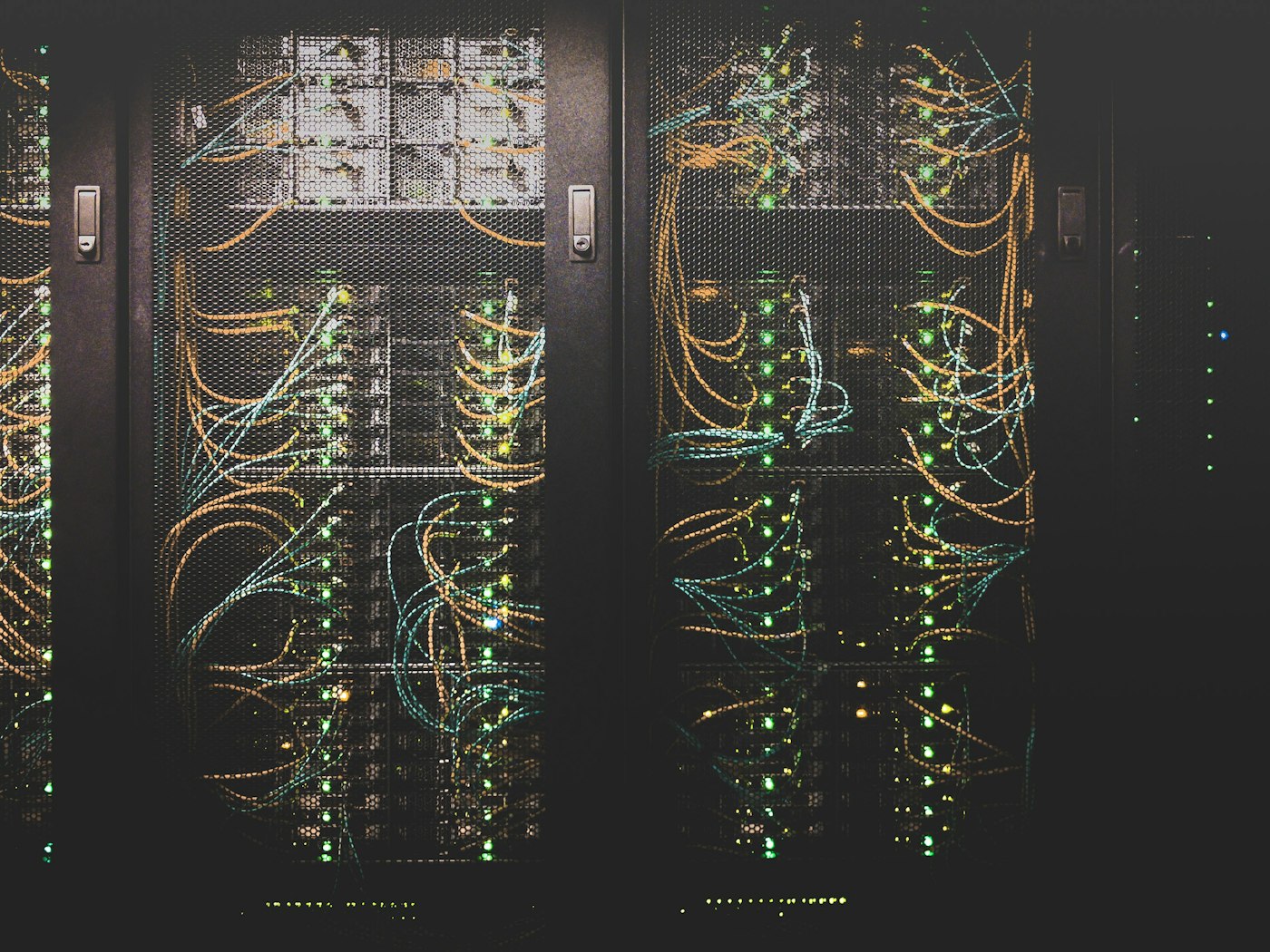
Future-ready technology, cloud or on-premises
A best-in-class framework and micro-service architecture, compliant with Industry 4.0.
- Cloud or on-premises deployment
- Power BI integrations for analytical insights and dashboards
- WhatsApp and email integrations for notifications, alerts and reports
Every key feature, listed in full.
The complete SUKI ERP overview, straight from our product brochure.
Futuristic tech
Solutions designed with the latest technology to accelerate business requirements.
Industry 4.0 compliance
Best-in-class framework and micro-service architecture.
Power BI integrations
Detailed analytical insights and dashboards, plus customer portal API integrations.
GST, E-invoice and E-way bill
GST portal, E-invoice and E-way bill integration built in.
AI-based biometric integration
Biometric attendance integration with AI-based accuracy.
Geo-location on-duty tracking
Google geo-location API with approval process and one-click check-in and check-out.
WhatsApp and email
Integrations for notifications, alerts, reports and more.
Live daily MRP
Material requirement plan based on customer schedule.
Supplier and sub-contractor portal
Portal with ASN for suppliers and sub-contractors.
Four variants. Pick the one that fits today.
Micro, Standard, Hybrid and Enterprise. Each builds on the one before it, with hassle-free data porting when you upgrade.
SUKI ERP Micro selected. For micro businesses and start-ups.
Less typing, fewer follow-ups. SUKI ERP does the routine work.
From enquiry to dispatch, workflows, AI-driven contract review and nesting, plans, compliance documents, alerts and reports are created by the system from the data you already have, so your team spends its time on decisions.
Enquiry to sale order
Customer enquiry flows through feasibility, costing, quotation and approval into a sale order automatically, with every step tracked.
AI contract review
AI reads customer POs and drawings, checks them against the quotation and your capability, and flags mismatches before the order is accepted.
AI sheet & plate nesting
AI builds nesting layouts for sheet and plate cutting from customer schedules and demand, to cut more parts from every sheet with less scrap.
CoC automation
Certificates of Conformance generated with each dispatch from inspection results, batch and heat data. Nothing typed by hand.
Live daily MRP
Material requirements rebuilt every day from customer schedules, with no spreadsheet in between.
Auto purchase indents
Shortfalls from MRP and reorder levels raise purchase requests automatically for approval.
Approval workflows
Quotations, POs, on-duty and leave route to the right approver with one-click approval.
E-invoice & E-way bill
IRN and E-way bill generated straight from the invoice. No re-entry on the GST portal.
ASN to GRN
Supplier ASNs from the portal pre-fill gate entry and goods receipt when material arrives.
OCR document capture
Supplier bills and documents read automatically instead of typed in by hand.
Morning dashboard
Yesterday's purchase, production and sales in every manager's inbox before the day starts.
WhatsApp & email alerts
Low stock, pending approvals, dispatches and overdue receivables pushed to the right people.
Calibration & maintenance reminders
Gauges, tools and machines flagged before calibration or service falls due.
Attendance to payroll
Biometric and geo check-ins flow into attendance and bulk salary processing.
Bank reconciliation & Tally sync
Statements matched against entries, and accounts kept in step with Tally.
Excel master import
Items, customers, suppliers and BOMs ported from Excel once and reused in every module.
Extend any variant with add-ons.
Bolt on portals and integrations as you need them. Data stays migrate-ready for third-party integrations.
SUKI ERP implementation stages.
Implementing an ERP system is a structured process that requires careful planning and execution. We ensure zero downtime.
The plan adapts to actual progress during implementation and the number of new changes, and you can reorder it to match your priorities.
Planning & Requirement Analysis
Selecting the Right ERP System
System Design & Customization
Testing & Training
Deployment & Go-Live
Post-Implementation Support
Special modules for every business need.
Tailored, modular integrations to expand your ERP capabilities seamlessly without bloat.
Inventory Management
Tracks stock levels and optimizes inventory. Includes Stock Replenishment, Warehouse Management, and Barcode & RFID Integration.
Customer Relationship Management
Boost Sales, Relationships & Drive Growth. Leads, Opportunities, Pipelines, Orders, Marketing Automation & Support.
Human Resource Management System
Empower Workforce, Simplify HR & Success. Recruitment, Payroll, Attendance, Performance Tracking & Training.
Production Part Approval Process (PPAP)
A proactive risk assessment tool to identify potential failure modes in a process or product. Minimizes risks & defects.
Tools Management System (TMS)
Tracked, maintained, and available when needed. Reduces tool loss & damage, improves compliance, and minimizes downtime.
Quality Management Systems (QMS)
Audit, Maintenance & Process Inspection. Ensures processes meet quality standards and regulatory compliance at every stage.
Explore Suki ERP products & verticals.
Every organization has workflows that either drive success or hinder progress. Suki ERP systems untangle operational complexities and enhance effectiveness.
3 steps to select the right ERP system.
Choosing the right ERP for your organization is a crucial decision that can drive business growth. It requires a thorough evaluation of your operations, data & workflows.
Define ERP Requirements
Determine the exact features and functions your business needs.
Missing Integrations?
Figure out if your ERP integrates with other software you use.
Fund the Innovation.
Consider the costs and associated expenses transparently.
Micro suits micro businesses and start-ups, Standard suits growing businesses with dynamic teams, Hybrid suits small businesses with big goals, and Enterprise is for businesses that need custom services. Talk to us and we will map your process to a variant.