

Every tool tracked. Every calibration on time.
SUKI Tools Management is the registry and lifecycle system for your instruments, gauges and tools: purchase, stock, issue and movement, calibration, repair and history, across all your units.
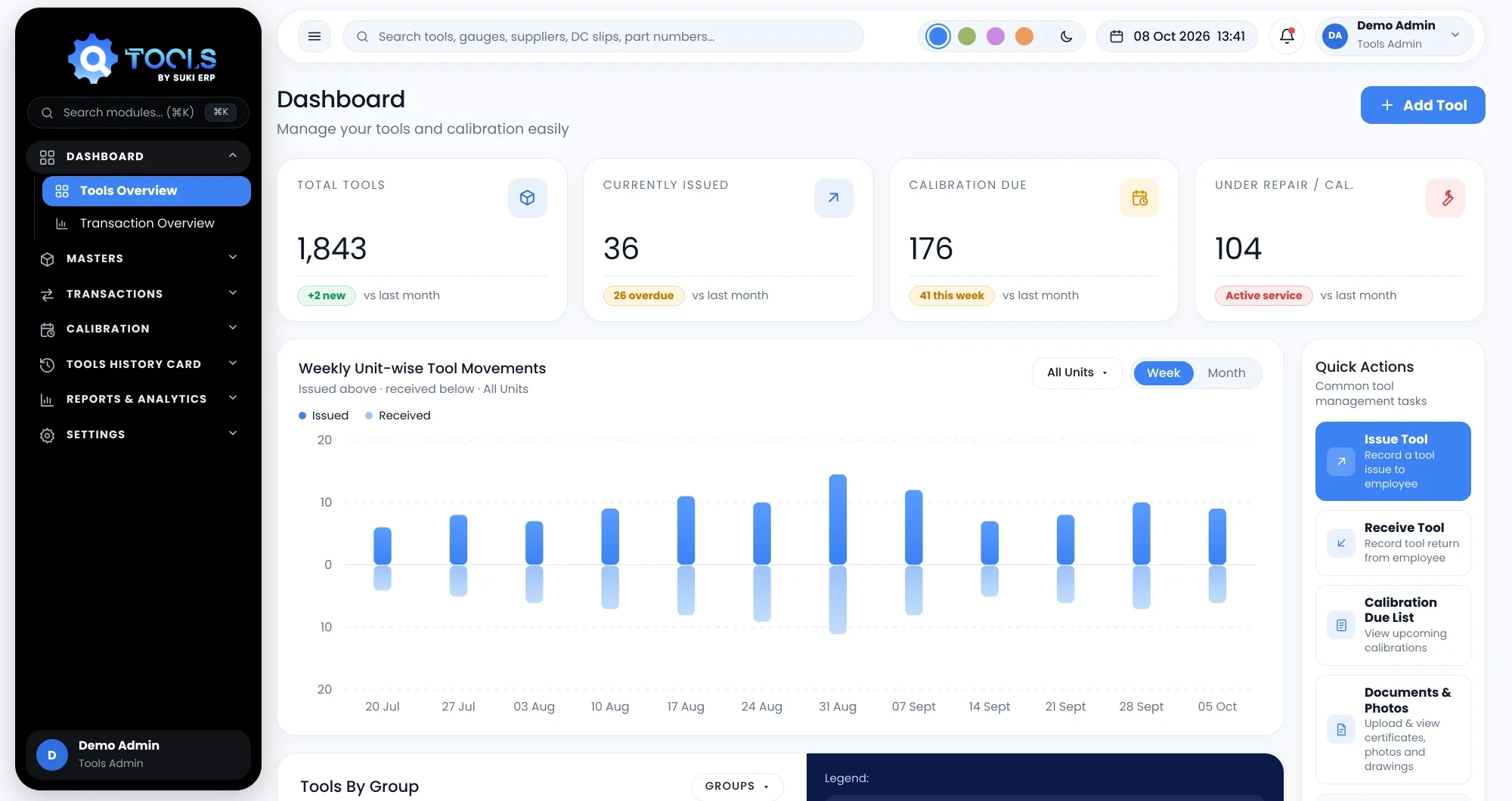
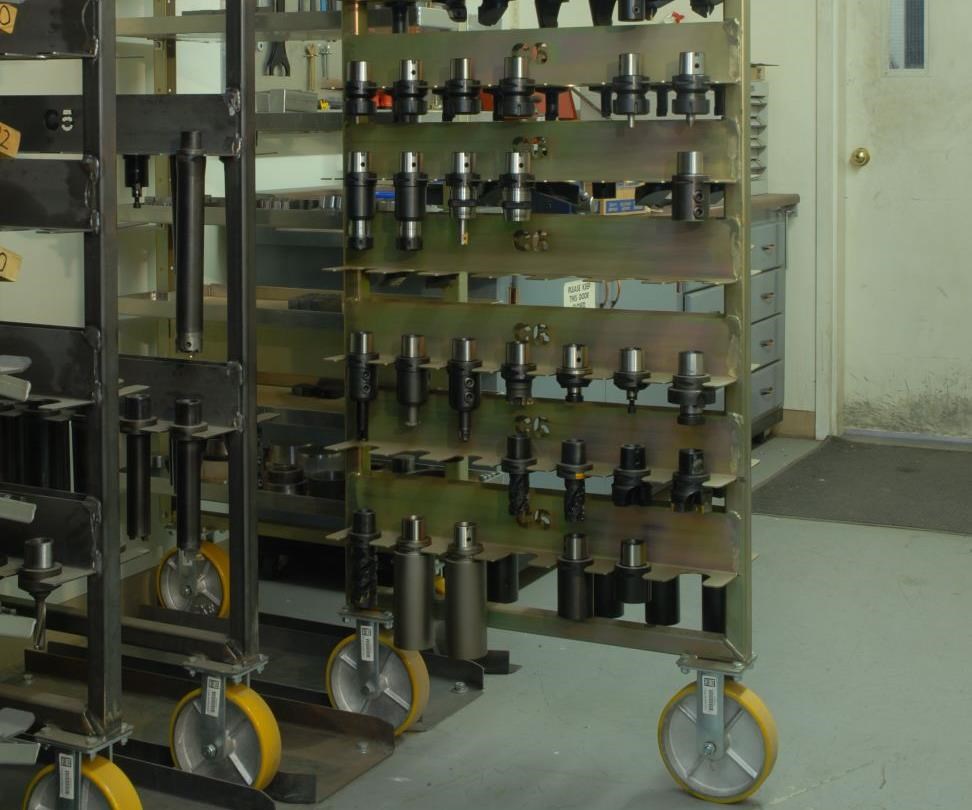
Every instrument, gauge and tool on record
One master list with status, unit and calibration validity, filterable in seconds.
- Status and validity chips
- Bulk Excel import with preview
- Per-unit identification
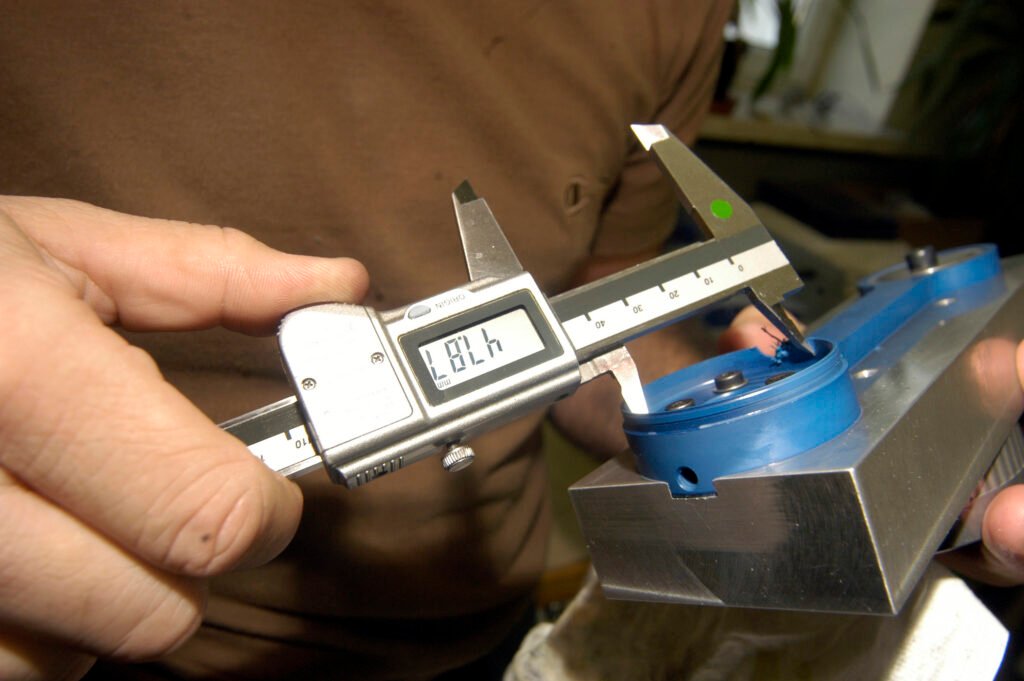
Nothing goes out of calibration unnoticed
The due list, the calendar and a daily email keep calibration ahead of the due date.
- Overdue, 7-day and 30-day views
- Challan to the calibration lab
- Results update with next due date

Know where every tool is
Internal and external movements are recorded on challans, and a tool in transit is shown as in transit.
- Unit-to-unit internal movement
- External movement to vendors
- Partial receive against the challan

The full story of each tool
A history card and a 360° journey show everything that has happened to a tool.
- Calibration history card PDF
- Purchase to repair on one timeline
- Documents and certificates attached
Everything you need, nothing you don't.
Tools Management shares one database with the rest of the SUKI suite, so every entry is made once and used everywhere.
One registry
Every instrument, gauge and tool with its unit, status and validity.
Calibration control
Due lists, lab challans and results that update the tool automatically.
Movement tracking
Internal and external movement on numbered delivery challans.
Defects and repair
A reported defect raises the repair challan in the same step.
History card and journey
Calibration history card and a 360° timeline for every tool.
Purchase and GRN
Purchase orders, receipts and price revisions tied to the tool.
21 features in the full list, if you want the detail.
Purchase to history, every step recorded.
Every module, one tool room.
Pick a module to see what it does, what makes it different and what is inside.
Sends tools for calibration, receives them back and records the result.
Recording the result updates everything at once: tool status, calibration date, next due date and agency. A failed result raises a defect and a repair challan automatically.
Overdue, due in 7 days and due in 30 days, by unit, with send-selected for bulk issue.
A delivery challan to the external lab that marks the tools Under Calibration.
Partial receive against the challan, with lab rate prefilled.
Pass or fail per tool, observed values and deviations, with a receipt number.
A 12-month plan versus actual view for calibration and preventive maintenance.
All calibration, internal and external challans with PDF download.
Access by role. Visibility by unit.
Seven roles and a unit scope decide what each person can see and do, down to the action.
View, create, edit, delete and approve.
Each role gets its own set of actions per module, and the matrix can be edited by the admin.
- Permission checked on every page and every action
- Users limited to their assigned units
- A deactivated user loses access immediately
- Email alerts sent only to roles that should receive them
Scan a challan to confirm it is genuine.
Calibration due list emailed each morning.
Certificates and drawings stored per tool.
Returnable, sub-contract and receive formats.
Excel and PDF exports for each area.
Searchable in-app guide with screenshots.
Four steps, start to finish.
Register
Add tools one by one or import your existing list from Excel.
Issue and move
Send tools to units, vendors or labs on delivery challans.
Calibrate
Follow the due list, receive tools back and record results.
Review
Open the history card or 360° journey for any tool.
Tools Management, explained.
Still have a question? Our team answers within one working day.
Ask usThe full life of instruments, gauges and tools: purchase, stock, issue and movement, calibration, repair and history.